
3CX Phone System
3CX is a software-based phone system used by over 600,000 businesses globally. What sets it apart from traditional PBX hardware is that the full feature set comes as part of the platform — there is no extra hardware to buy, no separate video conferencing subscription, no add-on for the mobile app. It is all included, and it is all managed by Central Connect from our Wyong office.
This page covers every significant feature of the 3CX platform so you can evaluate whether it fits your business before committing to anything. If you are ready to get started, the 3CX Hosted Phone System page covers how Central Connect deploys and manages your instance.
The core of 3CX is a fully featured PBX that handles every aspect of call routing and management. These features are available across all licence tiers.

Unlimited internal extensions for every staff member. No per-extension charge and no limit based on your licence tier. Extensions can be physical desk phones, desktop softphones, or the mobile app.

Multi-level IVR menus with custom recorded greetings. Separate menus for business hours, after-hours, public holidays, and specific dates. Callers navigate to the right team without a human operator.

Set up groups that ring multiple phones simultaneously. Reception group, sales group, support group — each configured independently. First to answer takes the call.

Inbound calls queue with hold music and position announcements when all agents are busy. Queue rules control overflow behaviour, maximum wait time, and callback options.

Place a call on park and retrieve it from any phone on the system using a short code. Useful for transferring calls across a retail floor or large office without an attended transfer.

Blind transfer, attended transfer, and supervised transfer all supported. Transfer to an extension, a queue, an external number, or voicemail.

Configure recording by extension, by queue, or system-wide. Recordings stored on Central Connect’s infrastructure. Access via management console. Retention periods configurable.

Missed calls go to voicemail and the audio file is delivered to the extension user’s email immediately. No voicemail box to check.

Push announcements to all phones on the system or to a defined group. Useful for offices, warehouses, and retail environments.

Each user can set DND on their extension. Calls divert to voicemail or to the next available destination in the routing chain.
Any user can log into any IP phone on any site as their own extension. Their calls, voicemail, and settings follow them.
The core of 3CX is a fully featured PBX that handles every aspect of call routing and management. These features are available across all licence tiers.
Give a remote staff member a dedicated business number that rings their home office or mobile, without them ever giving out their personal number. Works with the 3CX mobile app for full business phone functionality on any device.
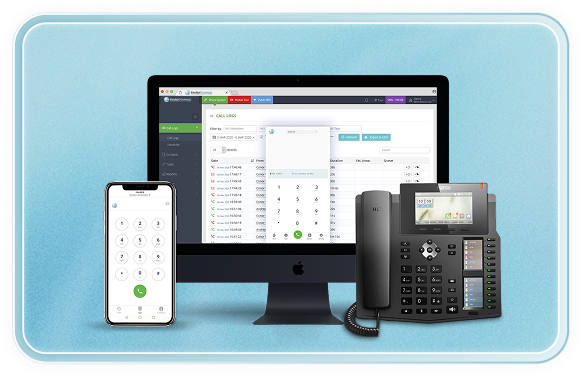
Softphone for laptop and desktop. Includes the full company directory, call history, voicemail access, and live chat. No physical handset required.
Browser-based access to your extension. Works in Chrome, Firefox, and Edge without any installation. Useful for staff who move between devices or work from shared computers.
Staff self-provision their mobile app by scanning a QR code from the management portal. No IT involvement required.
Remote workers connect to the system over the internet. With 3CX Enterprise the Session Border Controller adds an extra layer of security without requiring a corporate VPN.
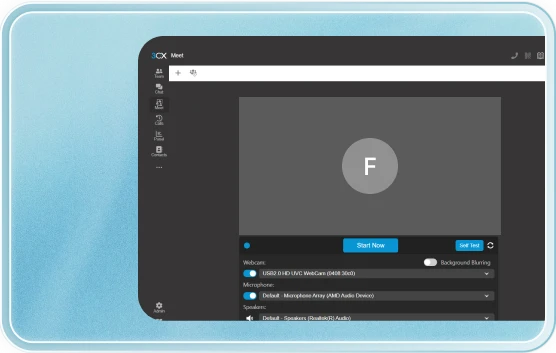
3CX Meet is the built-in video conferencing tool. It is browser-based — participants join by clicking a link, with no app installation required on their side.
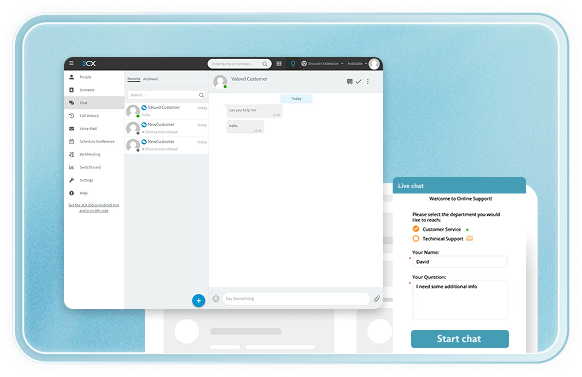
3CX brings web chat, WhatsApp, and Facebook Messenger into the same interface your team uses for calls. Staff handle all channels from one screen without switching between applications.
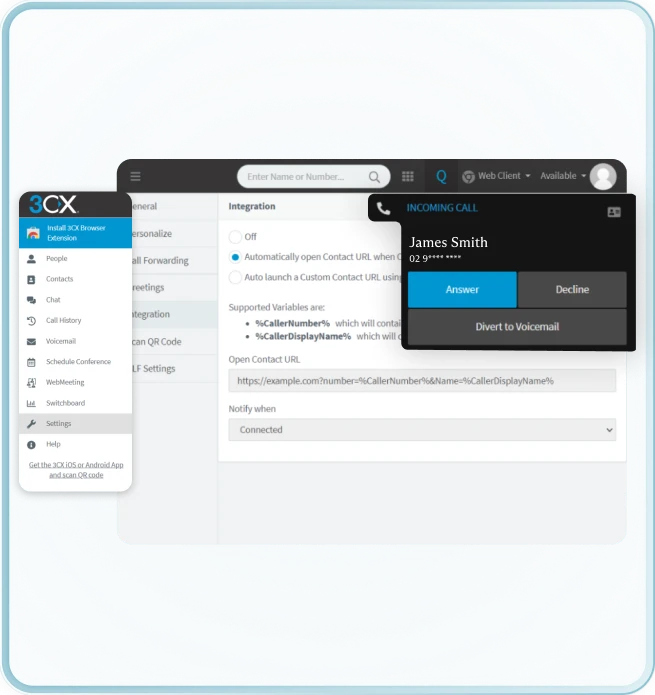
CRM integration is one of the most commercially significant features in 3CX Pro. When your phone system and CRM are connected, your team stops manually logging calls and starts seeing client context before they even pick up.
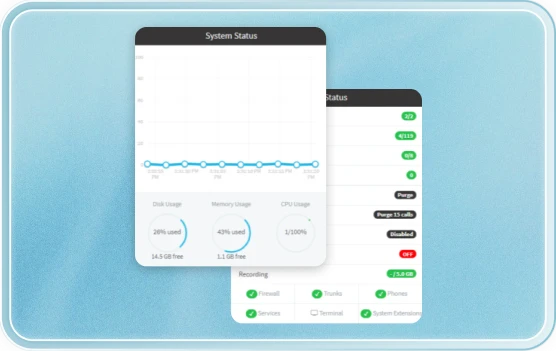
3CX includes a web-based management console that gives administrators full control over the system and supervisors visibility into call performance.
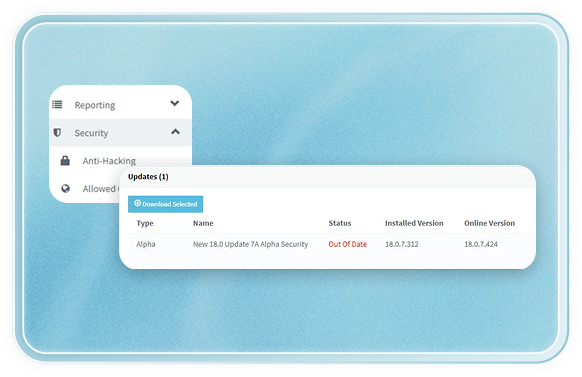
3CX is built with security as a core requirement, not an add-on. It has consistently received A+ ratings from SSL Labs for its web security configuration.
Not all 3CX features are available on every licence tier. Standard covers the full PBX, mobile apps, video conferencing, and live chat. Pro adds CRM integration, Teams Direct Routing, call recording, and advanced reporting. Enterprise adds high availability, Session Border Controller, and unlimited simultaneous calls. See the 3CX Licensing page for the complete tier comparison with current pricing.
No. 3CX is licensed by simultaneous calls, not by user or device count. A 4 simultaneous call licence supports 4 active calls at the same moment. All your staff can have extensions regardless of the licence size. See the 3CX Licensing page for simultaneous call sizing guidance.
3CX is compatible with most modern SIP-capable IP phones including Yealink, Fanvil, Snom, and Grandstream. Central Connect will assess your existing hardware during the consultation. Where phones are not compatible, we can supply and configure new handsets, or your staff can use the desktop and mobile apps instead.
Yes. The 3CX iOS and Android apps are included at no extra cost in all licence tiers. There is no per-user fee for the mobile app.
Yes. 3CX Enterprise includes the Global Bridge feature that connects multiple 3CX systems across different sites into a single unified system. Internal calls between sites are free. On 3CX Pro, Central Connect can also configure multi-site deployments depending on call volumes and site count.
The desktop app (Windows and Mac) is an installed application that runs locally on the user’s computer. It loads faster and offers a slightly richer interface. The web client runs in a browser and requires no installation — useful for users who work from multiple machines or need access from a shared computer. Both provide full access to calls, voicemail, contacts, and chat.
Yes. A 3CX deployment can run entirely on desktop and mobile apps with no physical handsets. This is common for fully remote teams, startups, and field-based businesses where desk phones are impractical. Headsets can be used with the desktop app for hands-free calling.